What Workflow Automation is
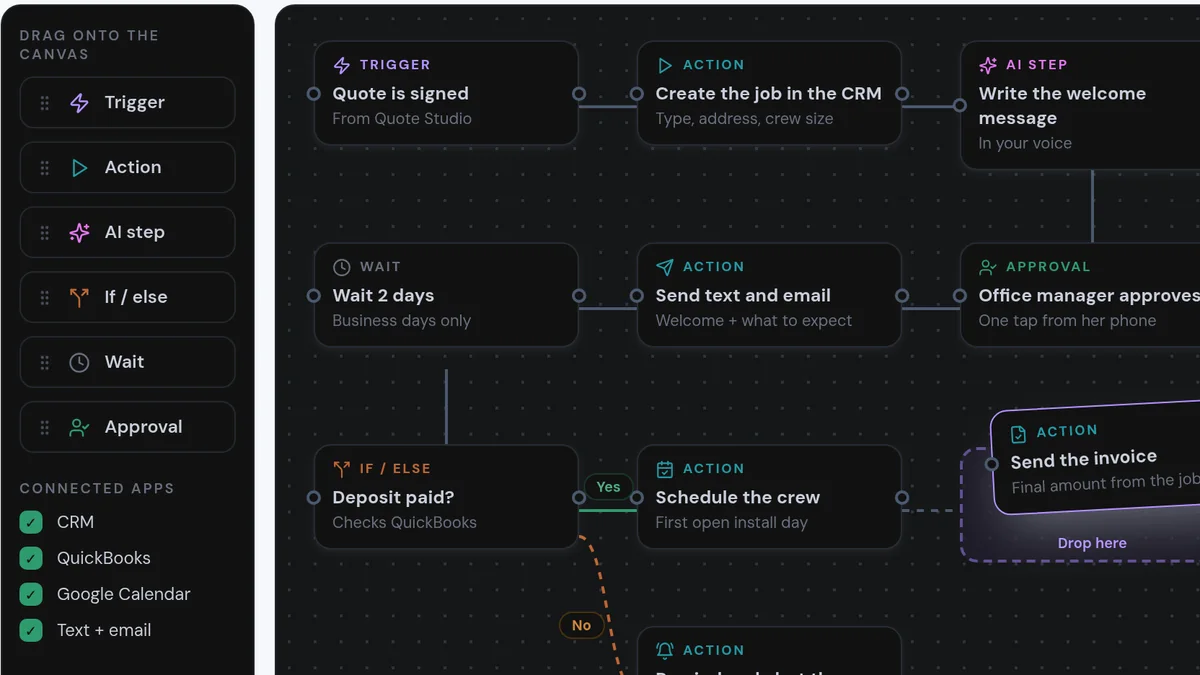
Workflow Automation is the custom work of connecting your tools and replacing repetitive tasks with systems. Each automation follows the same pattern: something happens (a form, an email, a payment), AI makes a decision where judgment is needed (what is this, who should get it, what should we reply), an action is taken and everything is logged.
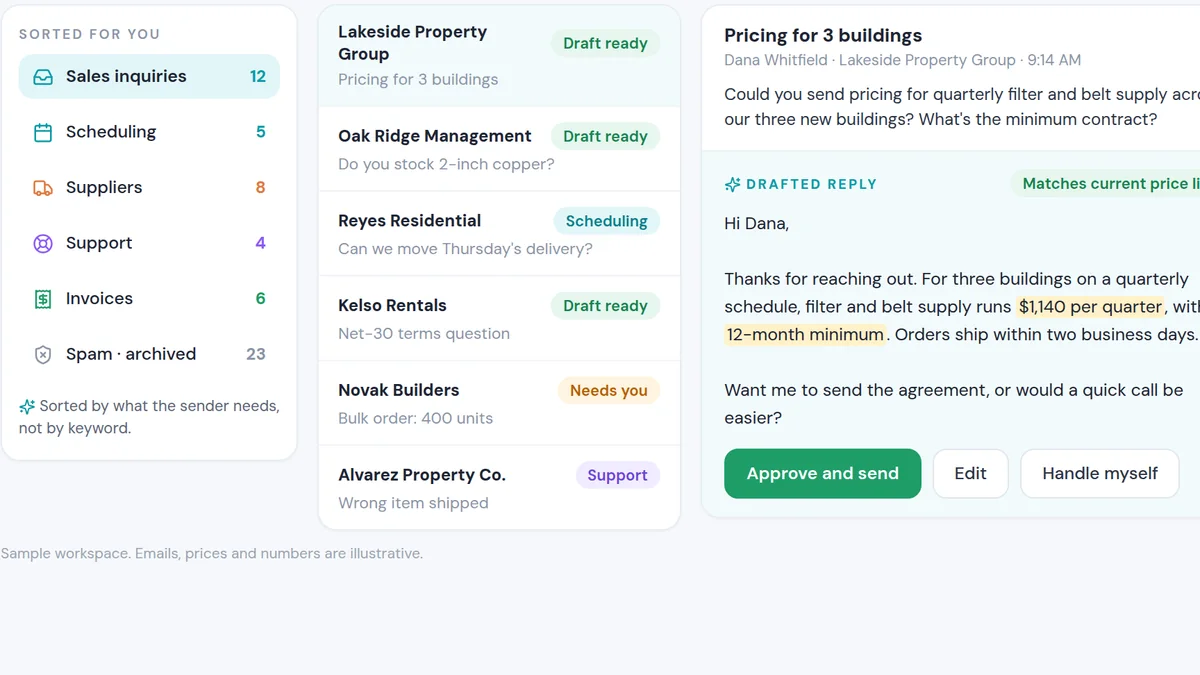
Typical targets are onboarding, fulfillment steps, internal notifications, data entry between apps, email vetting and routing, contract and document updates. The goal is that the owner reviews a short exception queue instead of being the person every task passes through.
It is not one big "AI brain" that runs everything. It is many small, reliable automations, each doing one job well.
What people are using it for
Client onboarding
Contracts, welcome messages, account setup and kickoff scheduling happen automatically after a sale.
Fulfillment and delivery
Each step of delivery triggers the next, with alerts when something stalls.
Moving data between tools
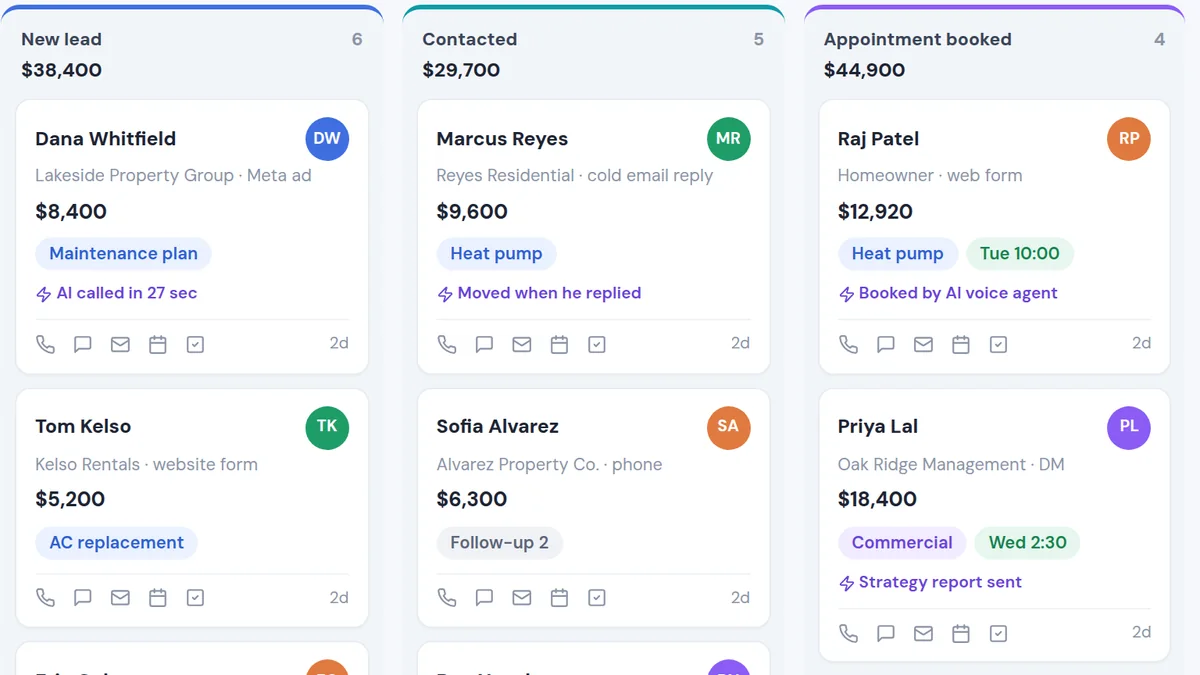
Leads, orders and updates flow between your CRM, spreadsheets and other apps without copy-paste.
Internal alerts and routing
The right person hears about the right thing at the right time, automatically.
Why people use it over the alternatives
The owner-as-bottleneck problem is one of the most common things we hear on discovery calls. The business grows, but every decision still passes through one person, so growth eventually stops at the limit of that person's hours.
Automation breaks that limit. Each handoff that runs on its own is time the owner gets back and a place where mistakes stop happening. Gartner predicts at least 15% of day-to-day work decisions will be made autonomously by agentic AI by 2028, up from almost none in 2024. Small businesses can capture that benefit now, one workflow at a time.
| Option | What usually happens | With Workflow Automation |
|---|---|---|
| Owner does it | Reliable, but it caps the business at the owner's hours. | The owner reviews exceptions; the system does the work. |
| Hire an assistant | Helps, but adds cost and still depends on a person remembering. | Runs every time, at any hour, and logs every step. |
| Off-the-shelf zaps | Fine for simple hops; breaks on anything that needs judgment. | AI decisions where judgment is needed, with logs and alerts. |
When you should not use it
- The process is broken.Automating a bad process just produces bad results faster. Fix the process on paper first.
- It happens twice a year.Automate what repeats weekly or daily. Rare tasks rarely pay back the build.
- Nobody will watch the logs.Automations fail silently if nobody checks them. Someone needs to own the exception queue.
Tactics that make it work
Map one real week
Write down every repetitive task you and your team did last week and how long each took. That list is your roadmap.
Start with the biggest time sink
Automate the task that costs the most hours first, not the most interesting one.
One automation per handoff
Small, single-purpose automations are easier to test, fix and trust than one giant workflow.
Alert on failure, not just success
Every automation should tell someone when it breaks.
Measure hours saved
Track time saved per automation. It keeps the project honest and shows what to build next.
From $40K a month to the first six-figure month
“Nick completely changed the infrastructure within our company. Automated our onboarding, dialed in our fulfillment, put in a ton of new systems. We actually hit our first six-figure month using the systems he put in place.”
Liam's company helps fitness coaches scale past $20K a month, but at $40K a month themselves they had hit a ceiling: a messy backend, no automations and a sales process that wasn't streamlined. We rebuilt their backend, automated onboarding, tightened fulfillment and put new workflows in place from sale to delivery. They hit their first six-figure month on those systems.
Club Five Health tells the same story at a different scale. Connected automation across their CRM, follow-up and patient journey now saves them about $300,000 a year and 67 hours a week, and they grew from one location to five.
AI can now handle the judgment calls that used to need a person: sorting, routing, drafting and checking. That means far more of a business's daily work can run without the owner in the middle.
If you are an owner working 60, 80 or 100 hours a week on things a system could handle, mapping your week and automating it one handoff at a time is how you get your time back and raise the ceiling on the business.
- Repetitive admin runs on its own, every time
- The owner reviews exceptions instead of every task
- Hours saved are measured and reinvested
for you?
On a short, personalized call we'll look at how your business runs today and show you how this would plug into your leads and tools. You'll get a straight answer on whether we can help you get similar results, and what it would take to take yourself out of the middle of the business.
- Personalized to your business
- See the system working
- Honest answer on fit